
How to Choose the Best Finger Scan Door Lock in China?
Choosing a Finger Scan Door Lock in China involves more than comparing sleek designs or advertised recognition speeds. A lock must fit the door, the household’s routines, and the conditions around the entrance. A fingerprint reader near a humid doorway may need more frequent cleaning. Dust, damp fingers, worn fingerprints, or small cuts can also affect everyday use. Real homes are less predictable than product demonstrations.
Start by checking door thickness, opening direction, and lock-body compatibility. Ask the seller for installation requirements before ordering, especially if the door has an unusual frame or existing lock. Then examine practical features: a responsive sensor, clear low-battery warnings, emergency power access, and a dependable backup entry method. Test these details where possible. A smooth scan is useful, but it does not prove the whole lock is secure.
Pay attention to who makes the product and who will support it after installation. Review warranty terms, replacement-part availability, privacy settings, and how the lock handles user data. Do not rely on a single security label or a bold claim in an online listing; verify specifications with the manufacturer or installer. The cheapest option may be costly later. So can an elegant one. This guide explains how to compare available models in China and match their features to real needs. Some trade-offs are easy to miss, and no fingerprint system works perfectly for every person. A careful choice begins with honest expectations.
Understanding Fingerprint Door Lock Types and China’s Market
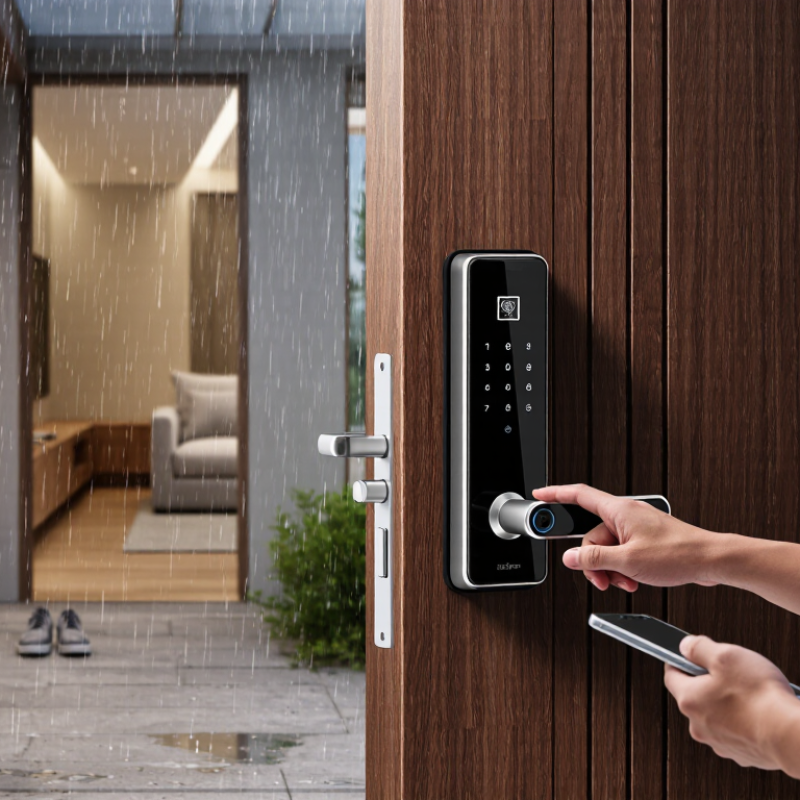
Fingerprint door locks in China generally fall into three groups: biometric-only models, connected smart locks, and hybrid locks with a mechanical key or keypad backup. Connected models may add app alerts, temporary access codes, and remote control. The best fit depends on the door, not just the feature list. Check its thickness, opening direction, and lock-body dimensions before choosing; Chinese doors can use different fittings and mortise standards.
China’s market is shaped by dense apartment living, retrofit demand, and strong smart-home connectivity. Grand View Research valued the global smart lock market at US$2.9 billion in 2023 and forecast 19.6% annual growth through 2030. This is a global estimate, not a China-only figure, but it signals rising interest in connected access. For a practical comparison, assess fingerprint recognition, liveness detection, encrypted data handling, and what happens during a power or network outage. One detail is easy to overlook: an impressive sensor still needs dependable installation and a usable backup method.
Tips: Measure the door and confirm lock compatibility before ordering. Ask whether fingerprints are stored locally, and test the backup opening method. A small mismatch can mean a costly refit. My own preference is a lock that works offline, though remote alerts can be useful.
